

Setup
To use Feature Diagnostics, send feature evaluation events to your data warehouse. The only required columns arefeature_key and timestamp, but you can include any additional metadata useful for diagnostics, such as unit_id, value, reason, etc.
Set up your SDK to send feature evaluation events to your data warehouse using the built-in onFeatureUsage callback, as shown in the example snippet below:

Feature Diagnostics Tab
View diagnostic events for your feature flag within the Diagnostics tab on any feature. Select your data source and click View recent feature evaluations to see the latest 100 feature evaluation events.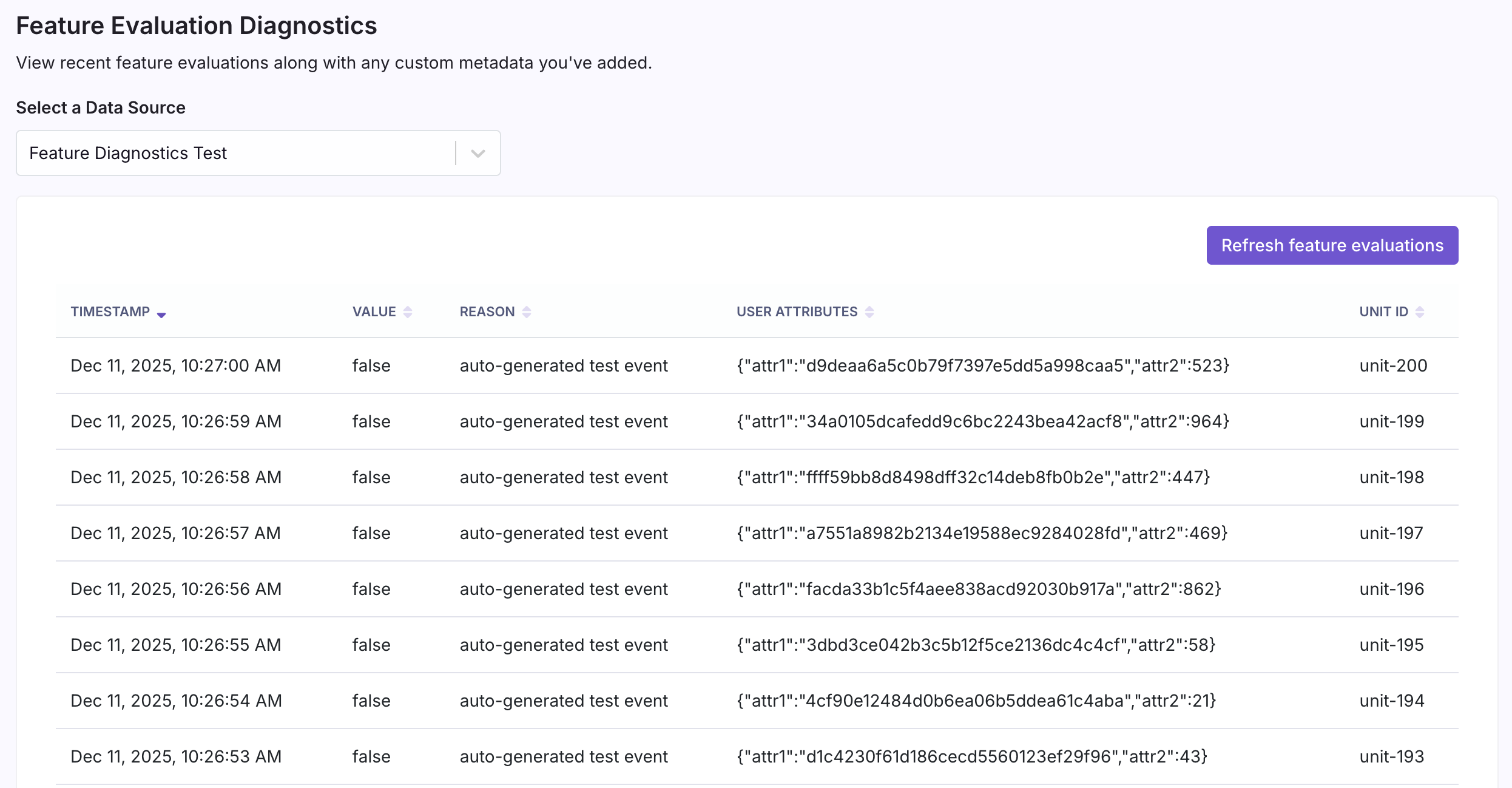
Troubleshooting
If evaluation events aren’t appearing in the Diagnostics tab, check the following:Verify Your onFeatureUsage Callback Is Firing
Make sure your SDK is correctly configured with the onFeatureUsage callback and that events are being sent to your analytics pipeline. You can add a console.log statement inside the callback to verify it’s being triggered when features are evaluated.
Check Your Data Pipeline
Ensure that events from your analytics tool (e.g., Segment) are flowing correctly into your data warehouse tables. There may be a delay between when events are sent and when they appear in your warehouse.Optimize for Large Tables
If you have a high volume of feature evaluations, query performance can degrade over time. For optimal performance:- Partition your table by timestamp — This allows queries to scan only recent data instead of the entire table.
- Cluster by
feature_key— This is especially important for BigQuery users, as it helps queries filter efficiently when looking up evaluations for a specific feature.